
Nothing to sign up for

Build your guest page. Watch it answer back.

Everything in the editor is yours to change, and the guest page follows as you type. It is the real page your guests would open, not a picture of one, so go ahead and RSVP to your own wedding. Nothing here is saved anywhere but this browser.

Welcome dinner, mehndi, haldi, sangeet, the ceremony and the reception. Picking one fills in the page for that occasion. Change anything after.

01The basics

This is the headline on your guest page.

Written however you like. It sits under your names.

Guests see it under the RSVP heading. After it passes, the form closes itself. Try a past date and watch.

02Look and feel

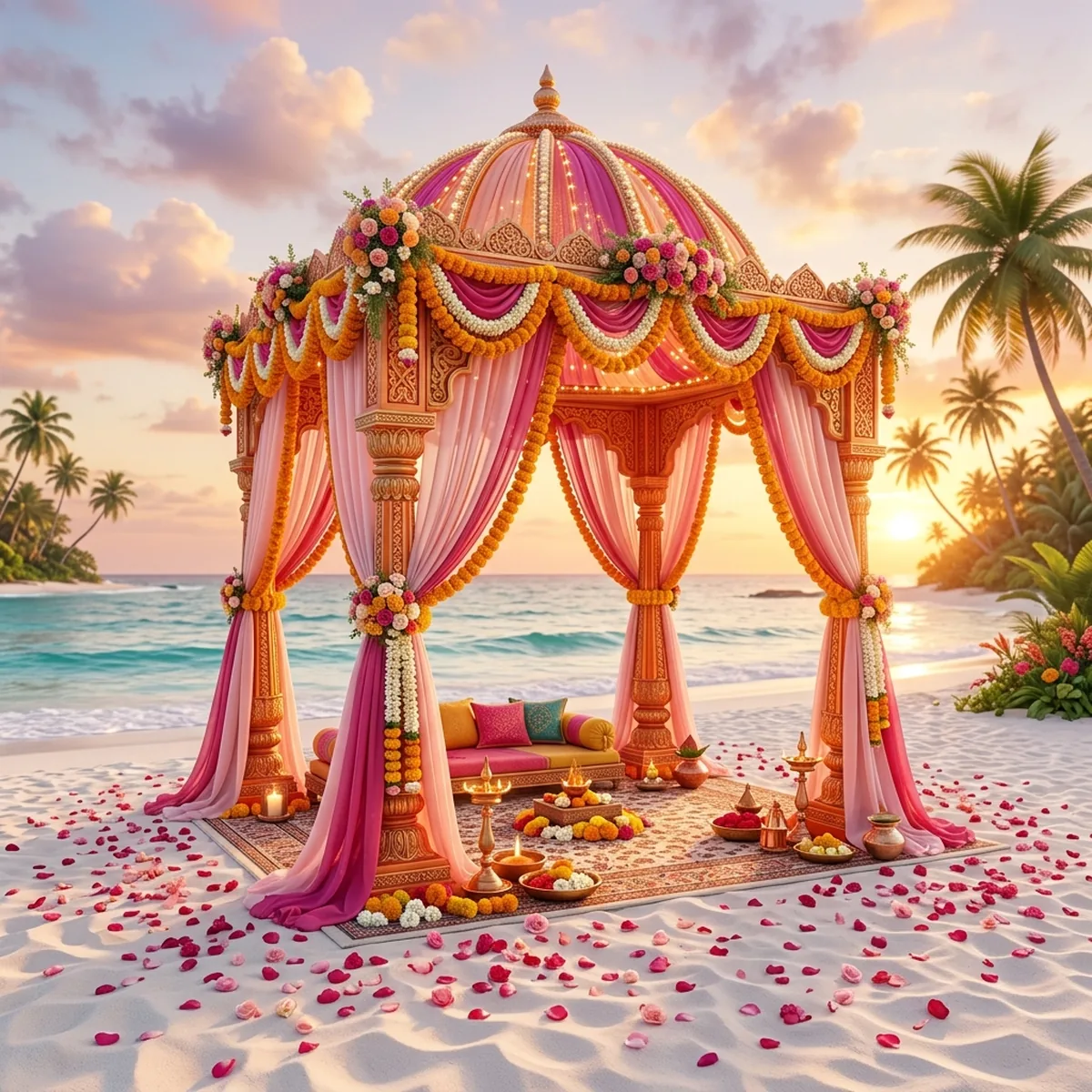
Cover image

A cover is cropped to fit whatever screen a guest opens it on. Slide to choose which band of the picture stays in view.

Palette
Typeface

03Celebrations

3 of 8

Each one carries its own time, place and dress code, and each one gets its own answer from every guest. That is the whole difference.

04Who is answering

Households answer as one, and you choose how you invite each of them. Switch between the two and watch the RSVP form on the right change shape.

Sample household in the preview

Keep what you built

Make this one yours.

Nothing you have done here is lost. The colours, the cover, the wording and every celebration you added move across to your own studio, where you add your households and send them the link. Continue with Google and you land in it; give us an email instead and we will send you a private link to it. All 3 celebrations come with you. Free for a limited time, no card and no password.